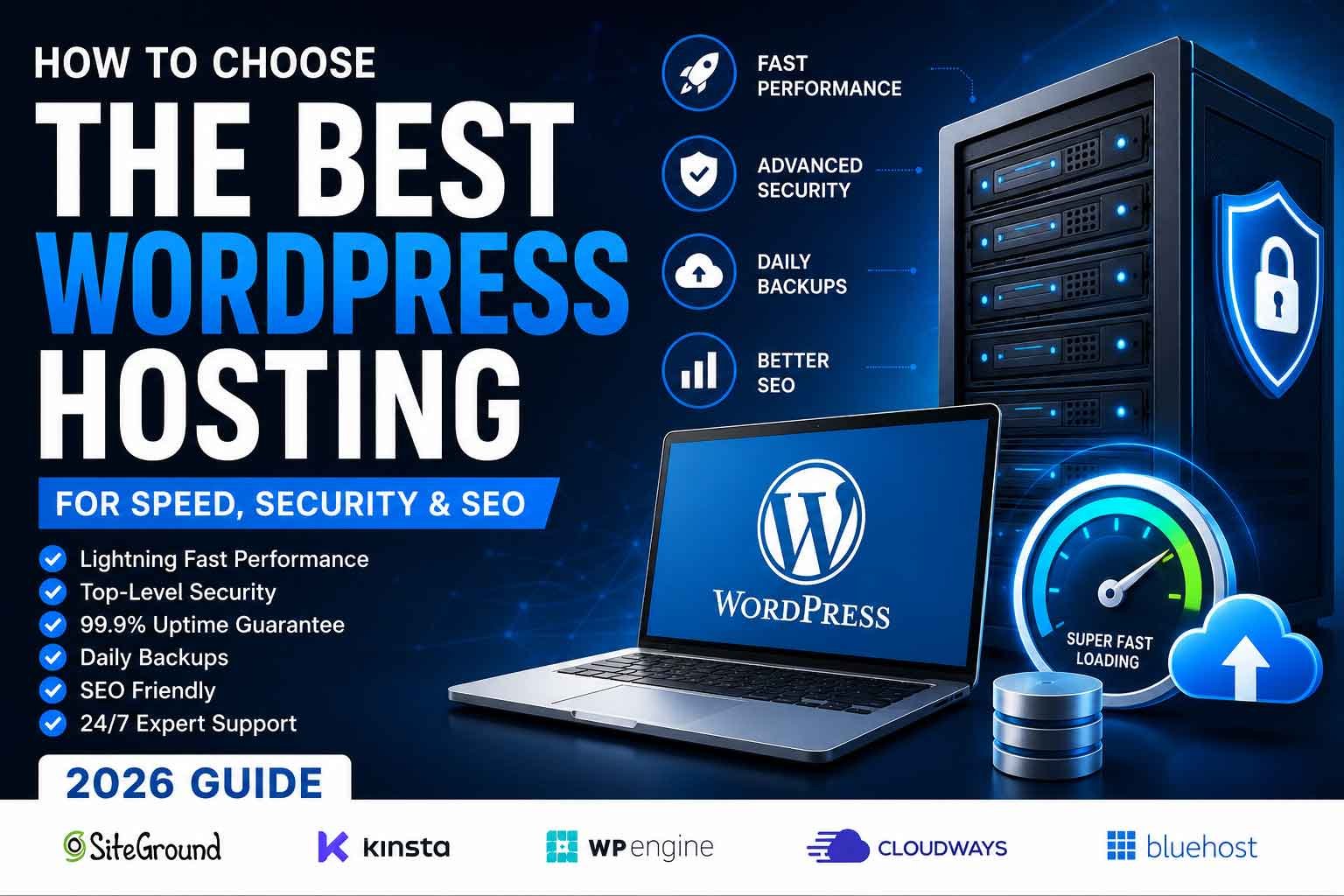
Choosing the right WordPress hosting is one of the most important decisions you’ll make for your website. While themes, plugins, and content all play a role in your site’s success, your hosting provider forms the foundation of your website’s performance.
Poor hosting can lead to slow loading times, security vulnerabilities, frequent downtime, and frustrated visitors. On the other hand, high-quality hosting improves speed, enhances security, supports better SEO, and creates a smoother experience for your users.
In this guide, we’ll explain what WordPress hosting is, the different types available, and how to choose the best hosting for your business in 2026.
Why WordPress Hosting Matters
Your hosting provider affects almost every aspect of your website, including:
- Website loading speed
- Server response time
- SEO performance
- Website security
- Uptime reliability
- Scalability
- User experience
- Overall maintenance
Investing in reliable hosting often saves money and time by reducing technical issues later.
What Is WordPress Hosting?
WordPress hosting is a hosting environment specifically optimized for WordPress websites. It often includes features such as:
- Automatic WordPress installation
- One-click updates
- Enhanced security
- Server-level caching
- Daily backups
- Optimized PHP settings
- Expert WordPress support
These features help improve performance and simplify website management.
Types of WordPress Hosting
1. Shared Hosting
Shared hosting places multiple websites on the same server. It’s affordable and suitable for new websites with low traffic.
Pros:
- Budget-friendly
- Easy to set up
- Beginner-friendly
Cons:
- Limited resources
- Slower during traffic spikes
- Shared server performance
2. Managed WordPress Hosting
Managed hosting is specifically designed for WordPress and includes performance optimization, security, and maintenance.
Pros:
- Excellent performance
- Automatic updates
- Daily backups
- Better security
- Expert support
Cons:
- Higher monthly cost
3. VPS Hosting
A Virtual Private Server provides dedicated resources without the expense of a full dedicated server.
Pros:
- Better performance
- Greater flexibility
- More control
Cons:
- Requires technical knowledge
- More maintenance
4. Cloud Hosting
Cloud hosting distributes your website across multiple servers, improving reliability and scalability.
Pros:
- High uptime
- Excellent scalability
- Strong performance
Cons:
- Pricing can vary based on usage
Features to Look for in WordPress Hosting
Fast SSD or NVMe Storage
Modern storage technologies significantly improve loading times compared to traditional hard drives.
High Uptime Guarantee
Choose a provider with at least a 99.9% uptime guarantee to minimize downtime.
Free SSL Certificate
An SSL certificate secures data between your website and visitors while also supporting SEO.
Automatic Daily Backups
Daily backups provide peace of mind and make disaster recovery much easier.
Server-Level Caching
Built-in caching reduces server load and speeds up page delivery.
Security Features
Look for:
- Firewall protection
- Malware scanning
- DDoS protection
- Automatic security updates
One-Click Staging
A staging environment lets you test updates and changes safely before applying them to your live website.
Responsive Customer Support
Choose a hosting company with knowledgeable support available when you need assistance.
Common Hosting Mistakes
Avoid these mistakes when selecting a hosting provider:
- Choosing based only on price
- Ignoring uptime guarantees
- Overlooking backup options
- Not checking security features
- Selecting plans that don’t scale
- Ignoring customer reviews
The cheapest option isn’t always the best value.
Hosting Tips for Better Performance
To get the most from your hosting:
- Keep WordPress updated
- Use a lightweight theme
- Optimize images
- Limit unnecessary plugins
- Enable caching
- Monitor website speed
- Use a Content Delivery Network (CDN)
- Regularly review server performance
These practices complement a quality hosting environment and contribute to a faster, more reliable website.
Who Should Choose Which Hosting?
Shared Hosting
Best for:
- Personal blogs
- Small business websites
- New websites
- Low-traffic sites
Managed WordPress Hosting
Best for:
- Growing businesses
- Professional websites
- WooCommerce stores
- Agencies
- High-traffic websites
VPS Hosting
Best for:
- Developers
- Custom applications
- Medium to large websites
- Resource-intensive projects
Cloud Hosting
Best for:
- Businesses expecting growth
- High-availability websites
- E-commerce stores
- Enterprise projects
Final Thoughts
Choosing the right WordPress hosting is an investment in your website’s future. Fast, secure, and reliable hosting improves user experience, strengthens SEO, and supports long-term growth.
Before making a decision, compare hosting plans based on performance, security, scalability, and support rather than price alone.
If you’re unsure which hosting solution is best for your website, DevsBloom can help you select the right environment, migrate your website safely, and optimize it for speed, security, and long-term success.