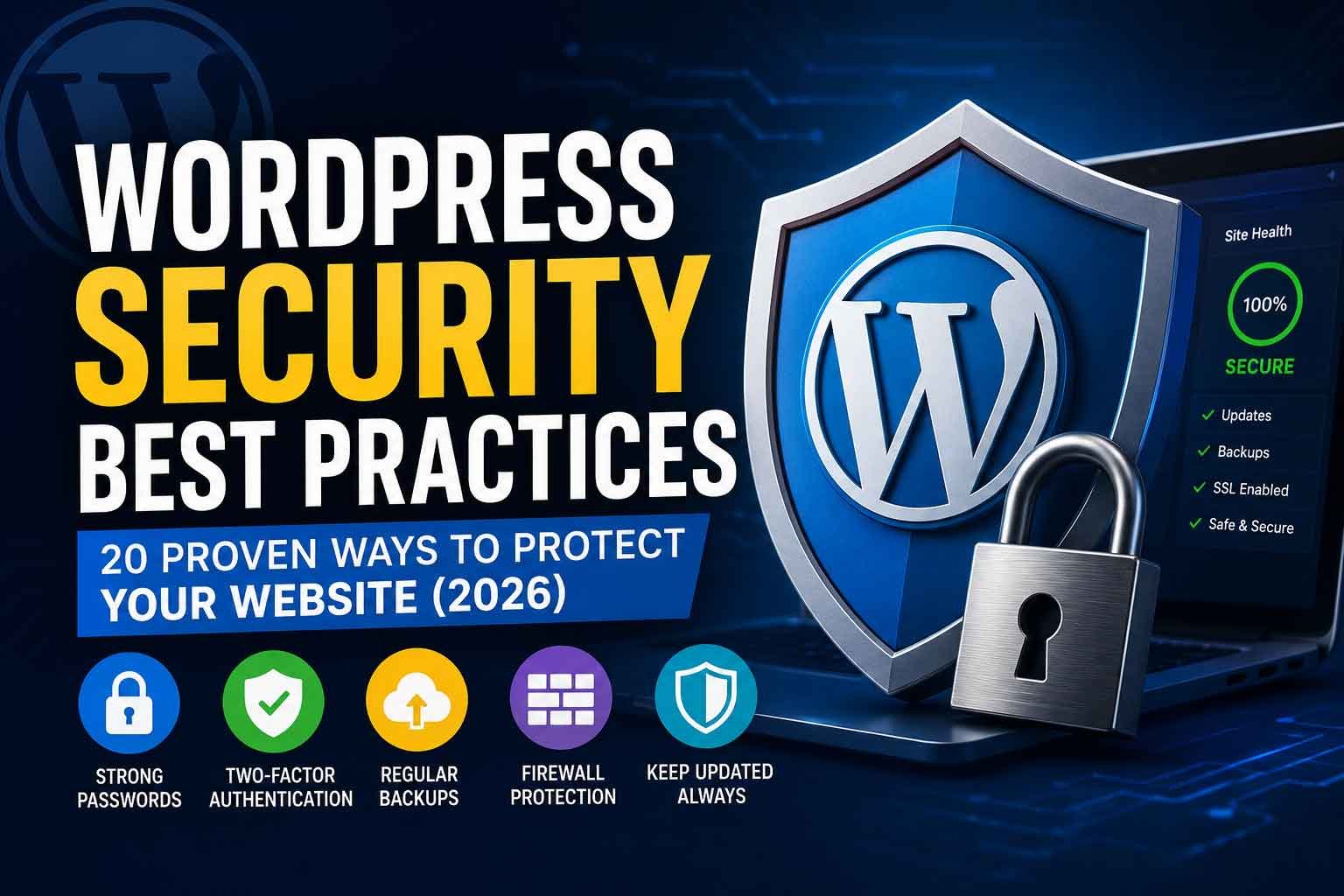
WordPress powers millions of websites worldwide, making it one of the most popular content management systems. Its popularity also makes it a common target for hackers. Fortunately, most security breaches can be prevented by following a few essential best practices.
Whether you run a personal blog, business website, or WooCommerce store, securing your WordPress site should be a top priority. A compromised website can result in data loss, downtime, poor search engine rankings, and damage to your brand’s reputation.
In this guide, you’ll learn 20 proven ways to improve your WordPress security in 2026.
Why WordPress Security Matters
A secure website protects your business and your visitors.
Benefits of good security include:
- Reduced risk of hacking
- Better customer trust
- Improved SEO
- Less downtime
- Protection from malware
- Safer customer data
- Better website performance
- Long-term business stability
20 WordPress Security Best Practices
1. Keep WordPress Updated
Always update the WordPress core as soon as stable releases become available. Updates often include important security patches that fix newly discovered vulnerabilities.
2. Update Plugins Regularly
Outdated plugins are one of the most common causes of hacked websites. Remove unused plugins and keep active ones updated.
3. Update Your Theme
Themes also receive important security and compatibility updates. Always use supported themes from trusted developers.
4. Use Strong Passwords
Every administrator account should use a unique, complex password. Avoid reusing passwords across multiple websites.
5. Enable Two-Factor Authentication (2FA)
Two-factor authentication adds an extra layer of protection by requiring a second verification step during login.
6. Install an SSL Certificate
HTTPS encrypts communication between your website and visitors, improving both security and trust.
7. Limit Login Attempts
Restrict repeated login attempts to reduce the risk of brute-force attacks.
8. Use a Web Application Firewall (WAF)
A firewall helps block malicious traffic before it reaches your website.
9. Perform Regular Backups
Backups allow you to restore your website quickly if something goes wrong. Store copies in secure off-site locations.
10. Remove Unused Themes and Plugins
Inactive themes and plugins can still contain vulnerabilities. Delete anything you no longer use.
11. Scan for Malware
Run regular malware scans to detect suspicious files or unauthorized changes before they become major issues.
12. Change the Default Login URL
Changing the default login page can reduce automated attacks targeting /wp-login.php.
13. Disable File Editing
Prevent administrators from editing theme and plugin files directly through the WordPress dashboard.
14. Set Correct File Permissions
Proper file and folder permissions help prevent unauthorized modifications to your website.
15. Use Trusted Plugins Only
Download plugins from reputable developers and avoid abandoned or poorly maintained extensions.
16. Monitor User Accounts
Review administrator accounts regularly and remove access for users who no longer need it.
17. Secure Your Hosting Environment
Choose a hosting provider that offers server-level security features such as malware scanning, automatic backups, and DDoS protection.
18. Protect the wp-config.php File
The wp-config.php file contains sensitive configuration information. Restrict access to this file whenever possible.
19. Monitor Website Activity
Activity logs help you identify unusual behavior, failed login attempts, and unauthorized changes.
20. Perform Regular Security Audits
Security is an ongoing process. Schedule regular audits to identify vulnerabilities and apply improvements before problems occur.
Common WordPress Security Mistakes
Avoid these common mistakes:
- Ignoring updates
- Using weak passwords
- Installing nulled themes or plugins
- Not creating backups
- Giving administrator access to too many users
- Using outdated PHP versions
- Skipping malware scans
- Forgetting to renew SSL certificates
Signs Your Website May Be Compromised
Watch for these warning signs:
- Unexpected redirects
- Spam content appearing on pages
- Sudden drops in search rankings
- Slow website performance
- New administrator accounts
- Browser security warnings
- Unknown files on your server
If you notice any of these issues, investigate them immediately.
Final Thoughts
WordPress is a secure platform when maintained properly. By following these best practices, you can significantly reduce the risk of hacks, malware, and data loss while providing a safer experience for your visitors.
Website security isn’t a one-time task—it requires ongoing attention. Regular updates, backups, monitoring, and proactive maintenance are key to protecting your online presence.
If you’re looking for professional help securing your WordPress website, DevsBloom offers WordPress maintenance, security hardening, performance optimization, and ongoing support to keep your website safe and running smoothly.